Documentation link: https://wpsimplepay.com/doc/customer-susbcription-management-settings
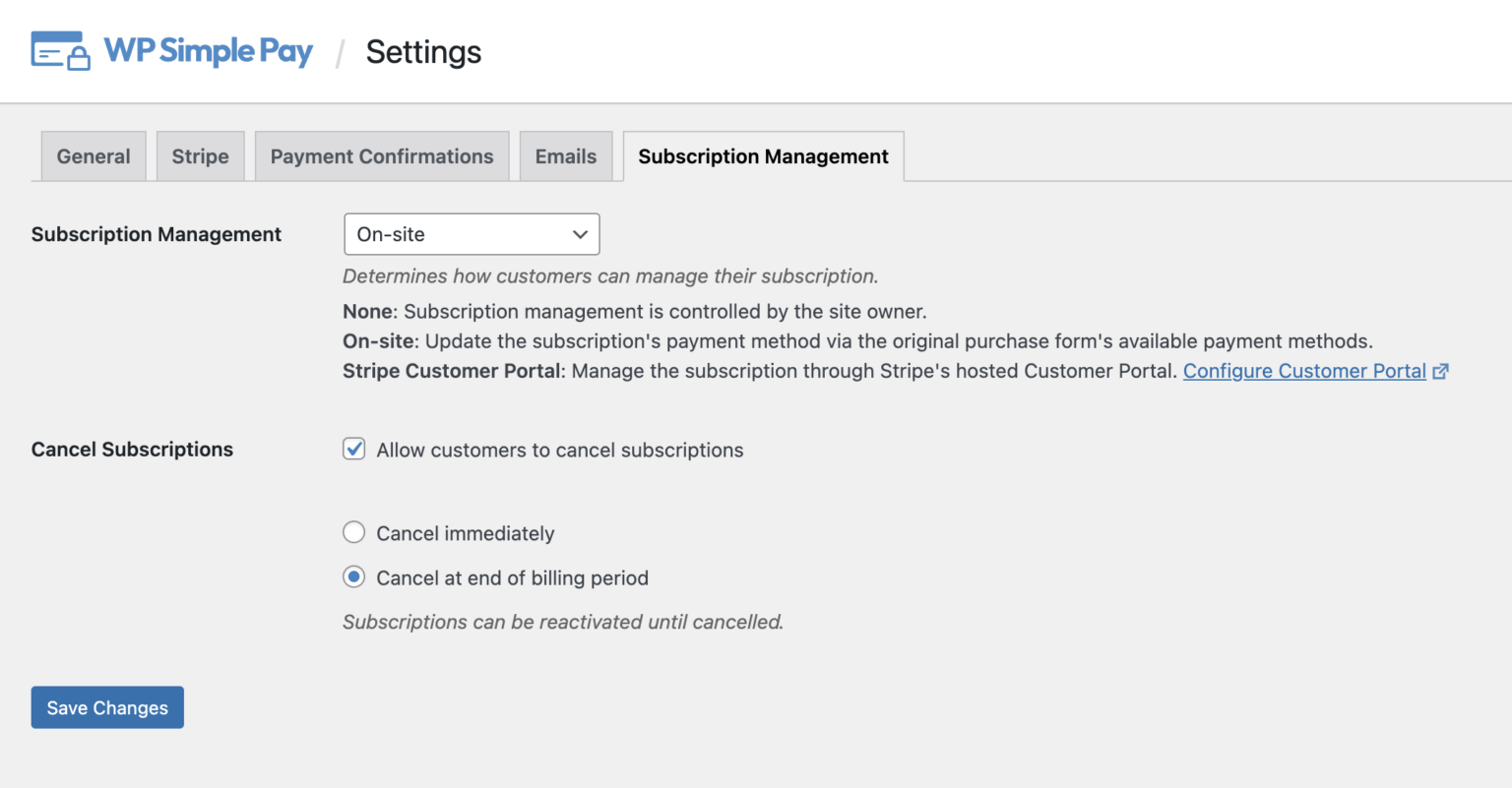
WP Simple Pay offers a settings area to control how Customers can manage their Subscriptions. These settings can be found in WP Simple Pay → Settings → Subscription Management.
WP Simple Pay’s cart-free and account-free nature means no “account area” exists to retrieve and manage past purchases.
To ensure access to previous purchases, customers will have to have enabled the Upcoming Invoice email and utilize the {update-payment-method-url} template tag, which provides customers with a unique URL that can be used to manage the Subscription.
Subscription Management Settings
Subscription Management
Available options to control how customers can manage their Subscriptions.
None
When a customer returns to their payment receipt, only the original receipt details will be available. The Subscription is only managed by the site owner.
On-Site
Allow customers to update their subscription payment method through one of the payment forms’ available methods.
Stripe Customer Portal
Manage the subscription through Stripe’s hosted Customer Portal. The Customer Portal can be configured to allow the Payment Method to be updated and the Subscription Plan to be managed.
Cancel Subscriptions
If using the On-Site method for updating subscriptions, you can choose to give customers the ability to cancel their own Subscription (this setting is managed in Stripe if using the Customer Portal).
Cancel Immediately
Immediately cancels the Subscription, which cannot be reactivated.
Cancel at end of billing period
Cancel the Subscription at the end of the current billing period. Before the billing period ends, the Subscription can be reactivated for continued billing.
Allow Customers to Retrieve the Subscription Management URL
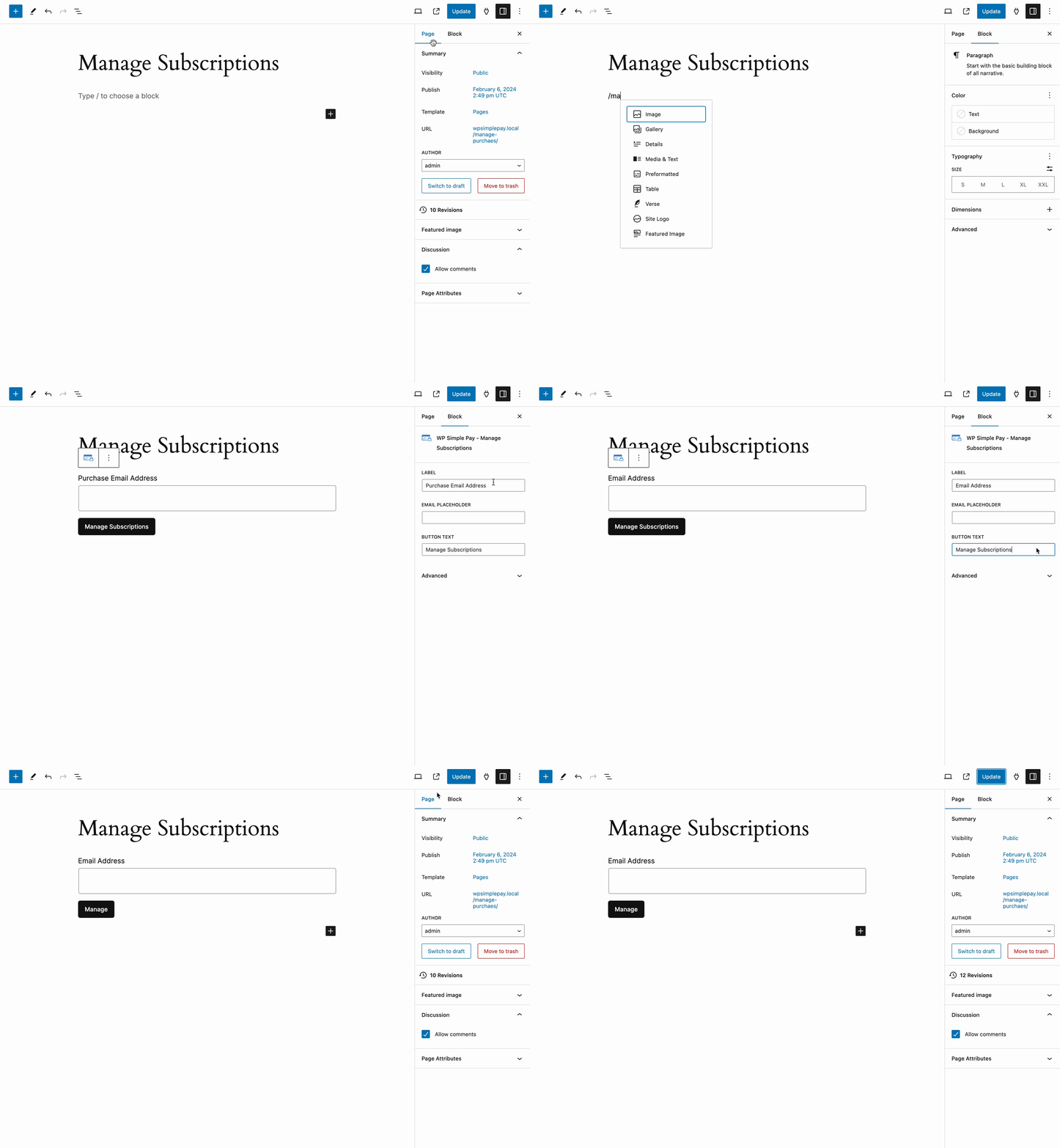
Add the “Manage Subscriptions” block to allow customers to retrieve the same URL provided by the “Upcoming Invoice” email — at any time.
How to add the Manage Subscriptions block
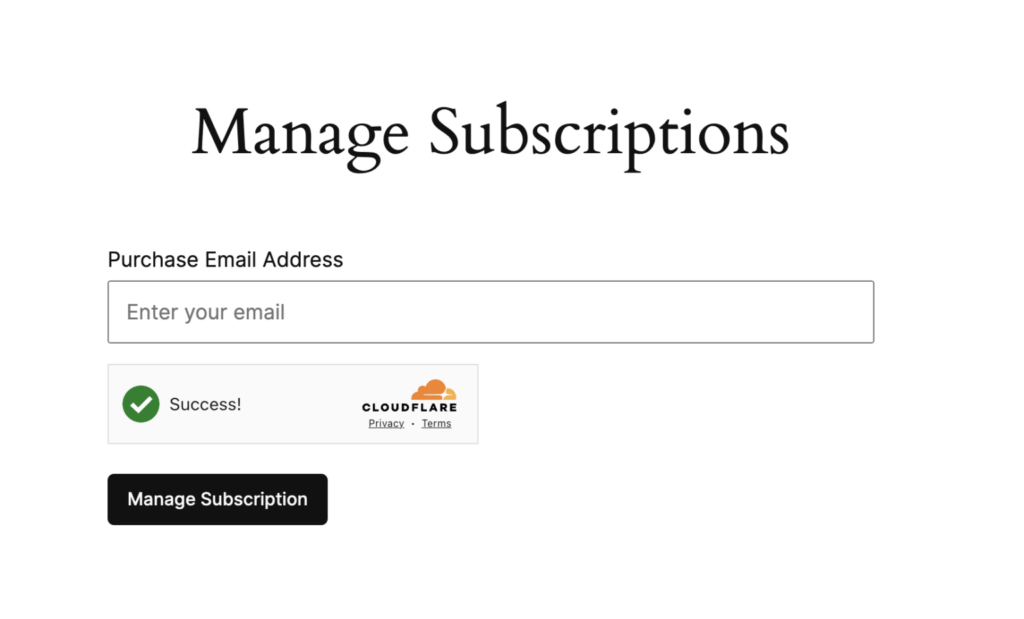
What the Manage Subscription looks like on the front end
Once the customer has received the email, the provided links take them directly to their original purchase receipt with the option to update their subscription payment method or cancel the subscription.
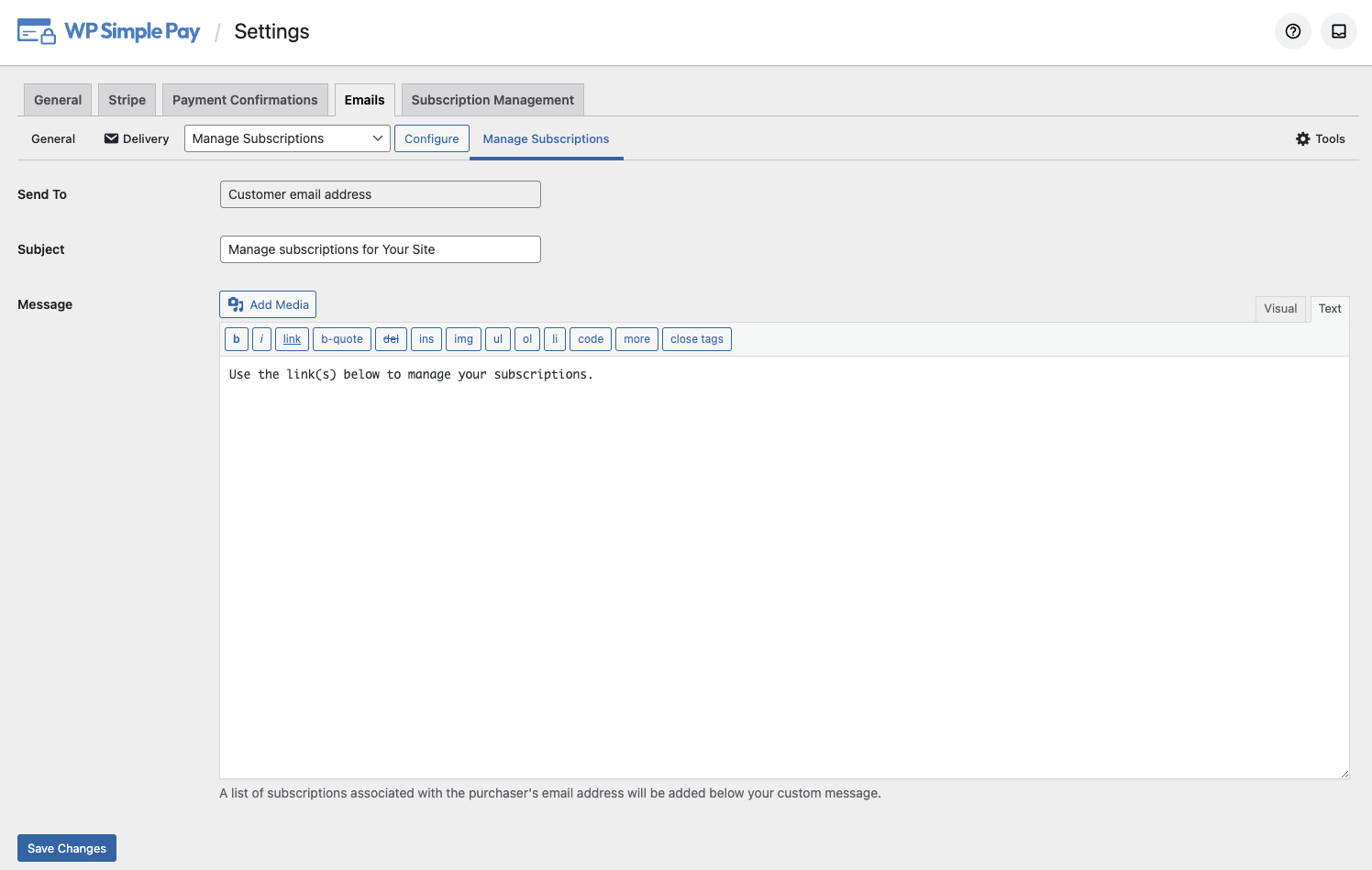
Email the customer receives to manage their subscription
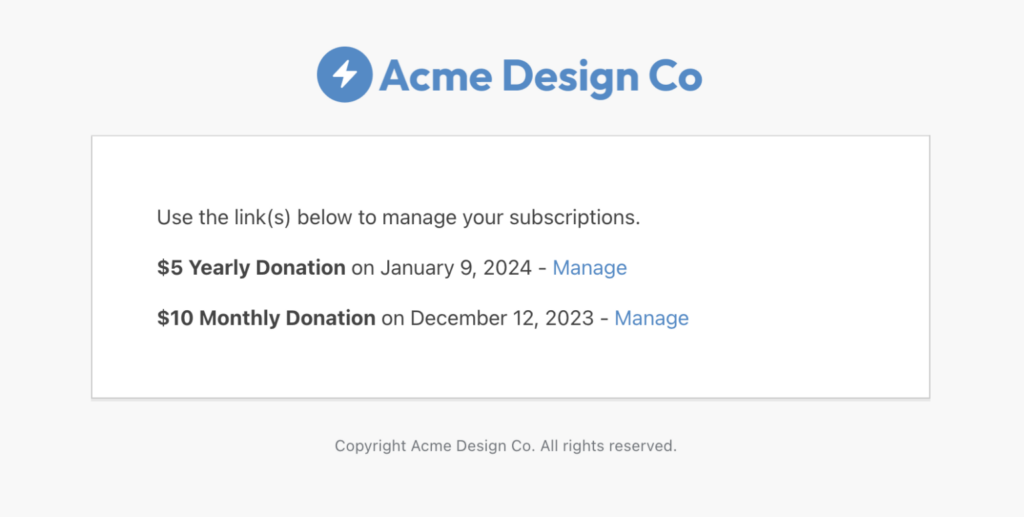
This email can be customized by editing the template in the WP Simple Pay > Settings > Emails tab. The link is added automatically.