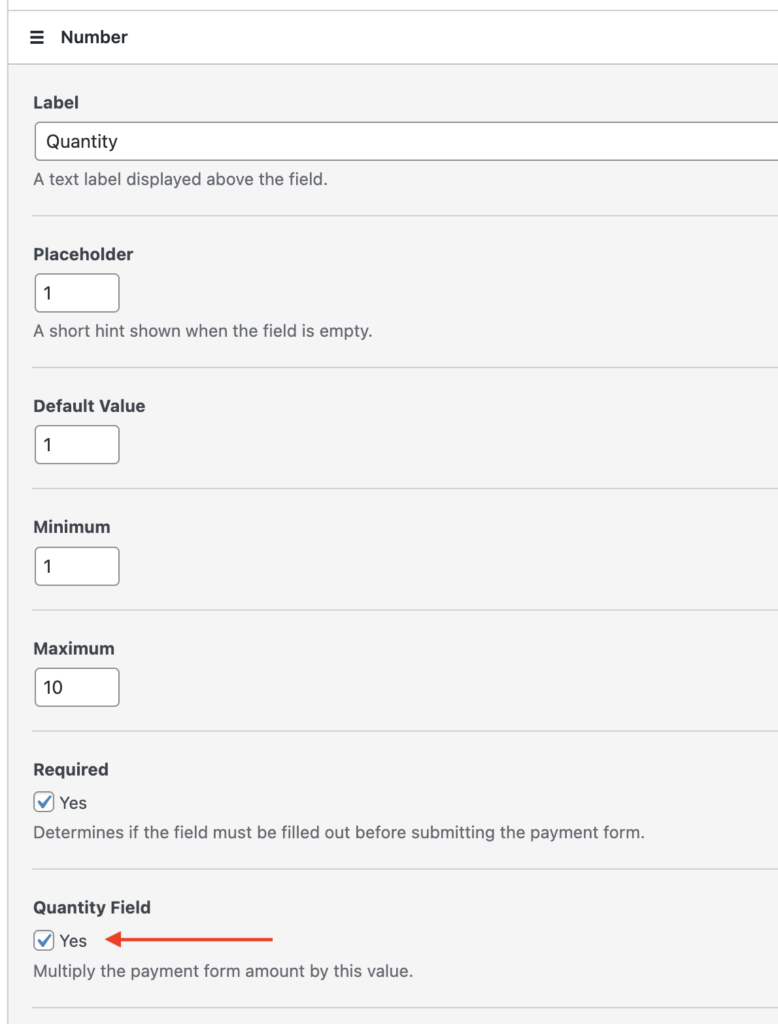
You can enable subscription quantities by adding either a “Number”, “Dropdown”, or “Radio” custom field in your payment form (depending on the selector style you would like to use), and enabling the “Quantity Multiplier” setting:
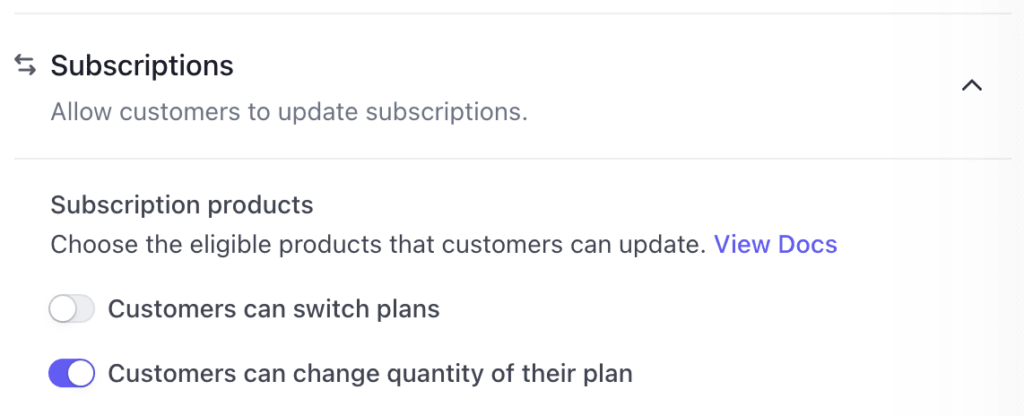
If you enable Subscription Management through Stripe’s “Customer Portal,” you can configure that to allow the quantity to be changed:
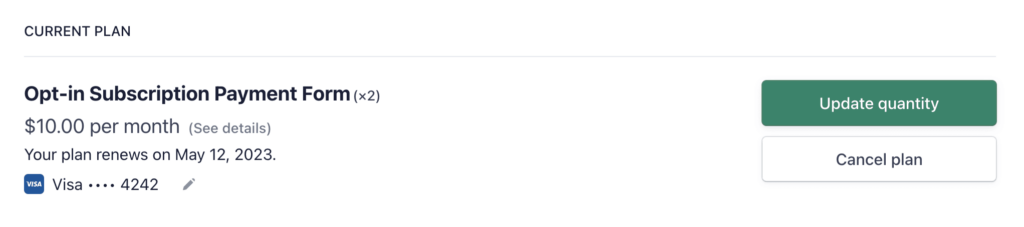
You can learn more about subscription management and the Customer Portal here:
How to Configure the Customer Subscription Management Settings