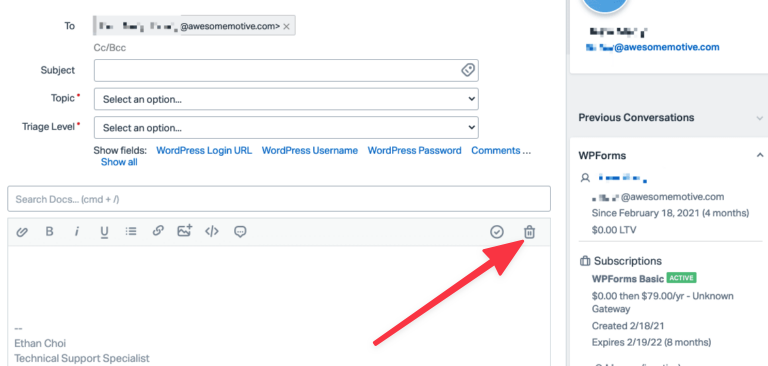
The Help Scout sidebar provides information on a customer’s license details. Sometimes, we might want to look up license information for a different email address to help us decide the next steps. Help Scout has a New Conversation option that can be helpful in such instances.
1. Create a New Conversation
The New Conversation option can be located at the bottom of the left sidebar in Help Scout.
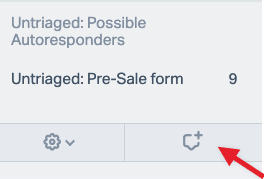
This opens up a page with an email editor.
2. Add Email Address
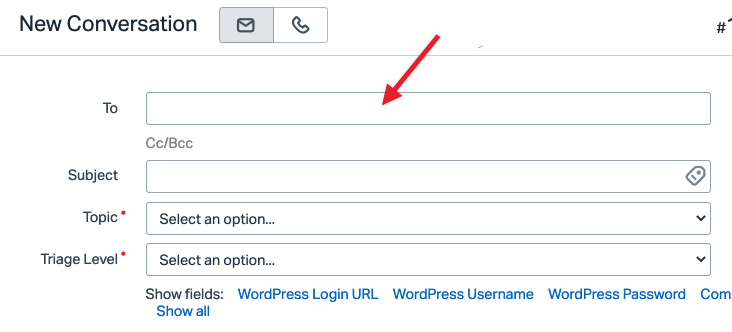
In the To field of the email editor, add the email address you’d like to look up.
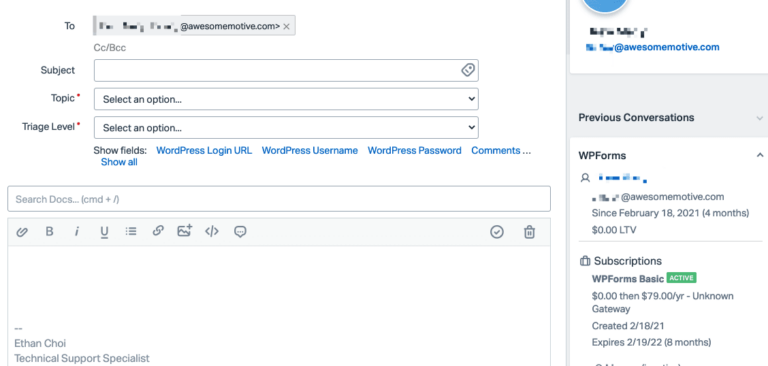
If the email address is associated with an account, its corresponding license information will be displayed in the right sidebar.
Be sure to delete the message if you will not be sending one